 Written by
Your salon has a Book Now button. Take out your phone and see what happens when a new client taps it. Can they tell whether they need a haircut, a color service, or a consultation? Can they choose the right location and see when the appointment is confirmed? Run this test before you rebuild your website or switch booking tools.
Start where a new client finds you
Open a private browser window on your phone. Find your salon in Google Search or Maps and follow any appointment link shown on the profile. Then start again from the website homepage and from a specific service page. Include the link in your Instagram bio if you use one. Record where each path lands. A booking button can look fine on the site while an old profile link still opens the wrong calendar.
If your Business Profile offers appointment links, use Google’s guide to managing business links to check where they point. If you have multiple locations, verify the destination for each profile separately.
Test a quick service and a consultation
Try booking a standard haircut as a first-time client. Compare the name, starting price and duration on your service page with what the calendar shows. Then try a service that needs a consultation, such as a major color change. If that service begins with a consultation, use that wording on the website and in the calendar. A button that says “Book a color consultation” tells the client what they are choosing.
For services that require a particular stylist or location, open the calendar from the service page. Check that the choice is carried through if your provider supports a direct link. If the calendar opens on a general menu, make the intended service easy to spot by using the same name in both places.
Check what happens after the last tap
With your team’s knowledge, use an available test slot or your provider’s test mode. Verify that the client receives the expected confirmation and your team sees the appointment on the right calendar. Check how the date, time, address, stylist and any deposit or cancellation terms appear. If your system sends a request for approval, tell clients when they can expect a response. Release any live slot used for the test.
Keep a short repair list
- Google or Maps → Booking link opens the correct location.
- Homepage → A first-time visitor can find the booking button on a phone.
- Service page → The booking menu uses the same service name.
- Booking → The client can identify the price or starting price and any conditions before committing.
- Confirmation → The client and the salon receive the expected information.
Write down the starting page, the tap that caused the problem, and what the client saw. Fix a broken link or mismatched service name first. If visitors can select an appointment but staff keep getting the wrong service, review the calendar’s service rules and availability with the person who handles bookings.
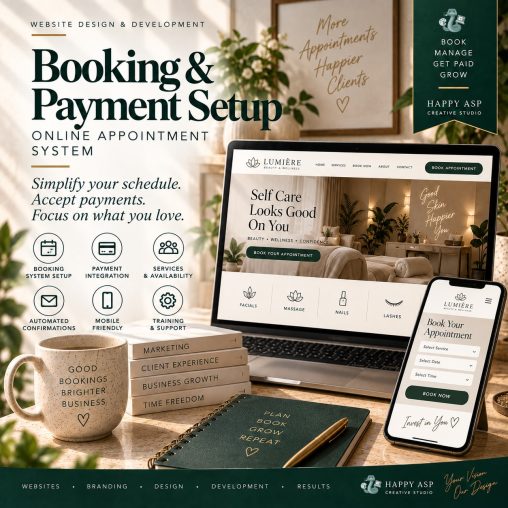
Happy ASP works with service businesses on websites and booking workflows. See selected studio work or explore Happy ASP’s creative services if you want help connecting your service menu and booking system.